
Getting started
The first step of your journey with Human Native is to create a dataset, a logical container that groups related files together for organization, management, insights, and sharing.
Creating a dataset
Section titled “Creating a dataset”To create a dataset, navigate to app.humannative.ai and click Datasets in the sidebar. Select the New dataset header button to open up the creation form:
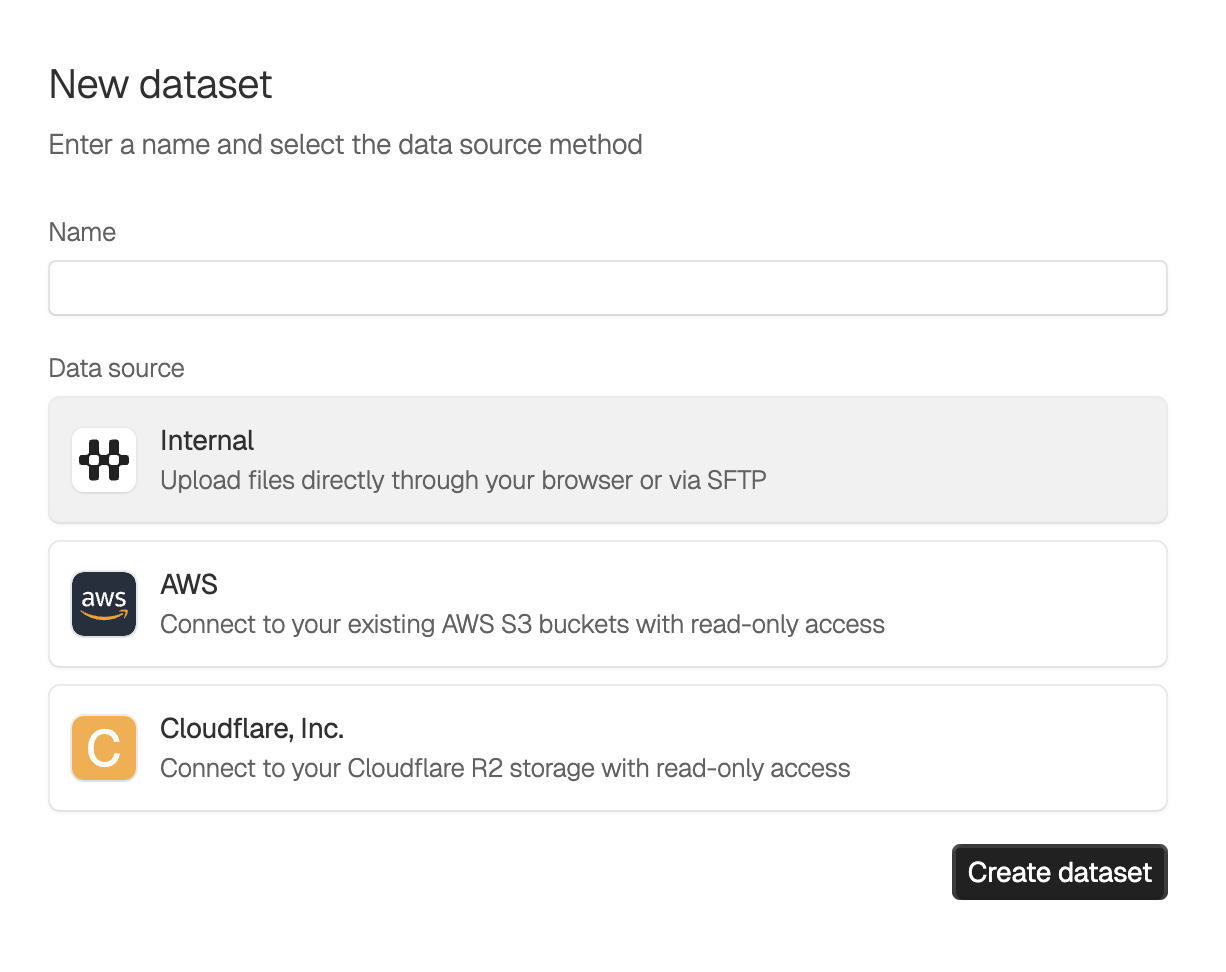
Internal data source
- Choose this if you want to upload files directly to Human Native
- Supports uploading via the web platform or via SFTP
External data source
- Choose this if you want to connect your existing cloud storage
- Files remain in your infrastructure - our platform will instead scan and index the contents
- The integration is read only - your storage will not be modified by the platform
Next Steps
Section titled “Next Steps”- For internal datasets: Learn about uploading files using the web interface or SFTP
- For external datasets: Your files are automatically available once the dataset is created